Mosaic is an infinite board where everyone brings the apps they already work in: web apps, and the desktop apps on their own computer. Files move between them without ever being sent, straight from one computer to the next. And when it's time to meet, step through a door into a room of your own. A virtual office made of real, running apps.
Free to start · Pro $49, one payment · macOS and Windows · Mosaic Server for Linux and NAS's
Launch week
Open a web app, paste a link, or find a node
MJEC
4/15
Checkout flowMaya M
Cart
Pay
Launch briefElif E
Launch brief, v3
Edited 2 minutes ago
checkout-v3.pngfrom Maya · checked
Exports
RoadmapJonas J
Now
Next
Later
Launch week
copy done
QA on Thursday
checkout-v3.png
Maya
Jonas
Elif
Cemre
Saved100%
Works with the tools you already use:design toolsdocswhiteboardsvideo editors3D appsissue trackersdashboardsany websiteany desktop app
Files, bridged between computers
Stop sending files. Connect them.
Attachments, chat threads, transfer links: every hand-off is another copy, another wait and another "which version is this?". On a Mosaic board, files move along the line between two apps, straight from one computer to the next. You can even put a real folder from your computer on the board, for everyone.
Checkout flowMaya M
Launch briefElif E
Launch brief, v3
checkout-v3.png
checkout-v3.png
From one app to the next
Download or export a file in one node and it's already waiting in every node connected to it, on someone else's computer. They drag it straight into their app. No attachment, no link, no upload.
A real folder, on the board
Put a folder from your computer on the board. Anyone can open it in its own window, see what's inside as it changes, and take what they need. Files only travel when someone opens or saves them, and nobody can write into yours.
The usual way
ExportAttachSendWaitDownloadFind itUpload again
With Mosaic
ExportIt's already thereDrag it in
Computer to computer
Files travel directly between the people on the board. No cloud keeps a copy.
Checked on arrival
Every file is verified byte for byte when it lands, so what arrives is exactly what was sent.
Any kind of file
Designs, PDFs, video, code, spreadsheets. Real files you can open, save or drop anywhere.
Yours to take back
Remove a card and it's gone from everyone's board. A shared folder is visible only while you're online.
Desktop apps · new in 2.2
Your desktop apps, on the board too.
The video editor, the 3D app, the design tool that only runs on your computer: put its window on the board, and everyone at the table watches it live. Double-click it, and you're working in the real app, right there, with no lag at all.
Any app that's open
Pick it from the + menu: the apps open now, or every window on any desktop, even the minimized ones.
Live, for everyone
Its window shows on the board in its own shape, so the whole team sees the cut, the model or the comp as it changes.
The real app, in its place
Double-click it: the app itself comes into the node, keyboard and all. ⌘Esc brings you back to the board.
Files in, files out
The Incoming and Outgoing panels slide out over the app: drag a teammate's file straight in, or drop an export to pass it on.
Hand someone the mouse
A teammate asks to use your page or app, and you choose for how long: 2, 5, 10 or 30 minutes. They work in it with their own mouse and keyboard while you watch, and you take it back whenever you like.
On macOS and Windows. Mosaic places and raises the app's window, the way a window manager does; it never reads what's inside. A Mac asks for Accessibility and Screen Recording once. Someone else works in it only while you allow it, one person at a time; asking is part of Mosaic Pro, and anyone can say yes.
Rooms
Doors on your board. Rooms behind them.
Put a door on the board, and there's a room behind it. Whoever goes in is still on the board, but talks and sees cameras only with the people inside. Lock the door when you need quiet; anyone who knocks can be let in.
Meeting room
A screen on the wall to present on, in turns, and everyone around a table that takes files.
Cinema
A big screen in a dark hall. Put on a film: everyone gets the original file and watches the same moment.
Library
Shelves of PDFs, EPUBs and documents, and a reader made for reading.
Archive
The board's records, kept on everyone's computer, there even when their owner isn't.
Phone booth
Two people, face to face; taken while they're in.
Focus room
Quiet: no voice, notices wait until you're out, and a focus clock everyone shares.
Workshop
A cork wall for sticky notes, dot votes and a kitchen timer.
Guest room
Where guests watching from a browser can always come in, with a welcome sign of your own.
Room
Walls and a floor of your own: a part of the board to arrange as you like.
Links that open in a room. Share from inside a room, and whoever opens the link starts right there, in Mosaic or in a browser: a client straight into the meeting room.
Or keep them there. Tick “Keep them in…”, and a guest who comes by that link stays in that room, away from the rest of the board and its chat.
Voice by room. On the board, nearer voices are clearer. In a room, everyone inside hears each other, and nobody outside does.
You decide who stays. The board's owner can take someone off it: what they put on the board goes with them.
No Mosaic yet?
Start a meeting right from this site
A meeting room in the browser for up to 8 people: a table where a dropped file reaches everyone at its full size, a screen that turns round into a whiteboard, voice, cameras and a chat. Get ready before you knock; plan it for later and add it to Google Calendar or Outlook, or send the link by email. Nothing to install, no account.
The film itself, not a stream of it. Put a film on the big screen and every Mosaic in the room gets the file, whole: checked byte for byte, played from each computer in its own quality. For directors, studios and agencies reviewing a cut together.
Everyone at the same moment. You play, pause and skip; every player in the room keeps to your moment, to a fraction of a second.
Watch while it comes. Until the file is there, it plays live from your computer; then the original takes over, without a pause. You see who has it.
A hall, not a window. The screen's light on the walls and the floor, seats for everyone, full screen with a double-click. Guests in a browser watch it live.
How it works
Open your apps. Share the table. Work around it.
Pages
Web pageScreenApplication
Already open
Bring your apps
Paste a link, or pick a desktop app that's open. It runs on your computer, signed in as you, and shows on the board for everyone.
PartnerMemberObserver
mosaicanvas.com/j?in=meeting-room#…Copy
Keep them in the meeting room
Invite your team
Send a link for a role. People connect straight from their computer to yours, and someone at the table lets them in.
Cutroom
Brief
poster.png
Connect them
Draw a line between two apps: whatever one exports is already waiting in the other, on someone else's computer.
MJE
Step into a room
When it's time to talk, go through a door: a meeting room, a cinema, a focus room. The board stays right outside.
Multiplayer
Everything you'd do at a real table.
Mosaic is built for being in the same room: seeing each other, talking, passing things across, and still having a corner that's yours.
Checkout flow
MFollowing Maya
Maya
Live cursors and follow
See every hand on the board. Click someone's face to follow their view while they present.
You
J
E
Spatial audio
Voices come from where people are on the board: nearer is clearer, further is quieter. Turn your microphone on and you're heard.
A
Aylin wants to joinLaunch week · 4 of 15 seats
Not nowLet in
You decide who's in
Anyone with the invite knocks; someone at the table lets them in. No accounts, no admin console.
Payroll
Private page
Private pages
Mark a page private and it never leaves your screen. Others see that it's there, not what's in it.
Works on your network
In the same office? Mosaic finds the others on your local network, and keeps working without an internet connection.
J
Moved the roadmap under the designs
C
Nice. @Claude can you sum up the brief?
A chat for every board
Talk in writing next to the work, mention your AI agent, and find it all again in the board's history.
Privacy
Nothing about your work passes through us.
Mosaic has no servers holding your boards, no database of your files and no account to create. Your work stays on the computers of the people you invited.
No Mosaic servers
A board lives on the computers of the people on it. There's no copy anywhere else, because there's nowhere else.
Direct and encrypted
Computers connect to each other directly, encrypted with the board's own key. Public relays only introduce them; they never see the work. Where a firewall allows no direct route, an encrypted relay passes it on, unread.
Your logins stay on your computer
A page runs on its owner's machine, signed in as them. Others watch it live but never receive its cookies, passwords or session.
No account
Your name, photo and color are kept on your computer. There's nothing to sign up for, and nothing to leak.
The desk
Some things shouldn't be a browser tab.
An office needs more than windows. Sticky notes, a timer, a voice memo, a record player, a door to a room of your own: the desk objects on a Mosaic board are made like the real thing, and everyone at the table can use them.
Sticky noteA quick note for everyone
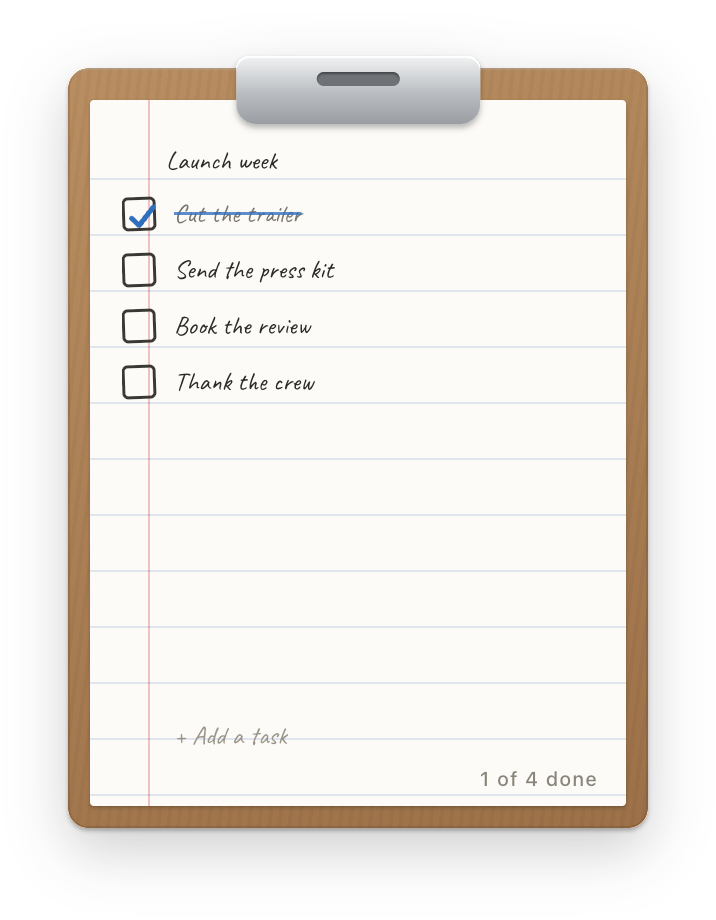
Task listA to-do list on a clipboard
TimerA countdown everyone sees, or a stopwatch
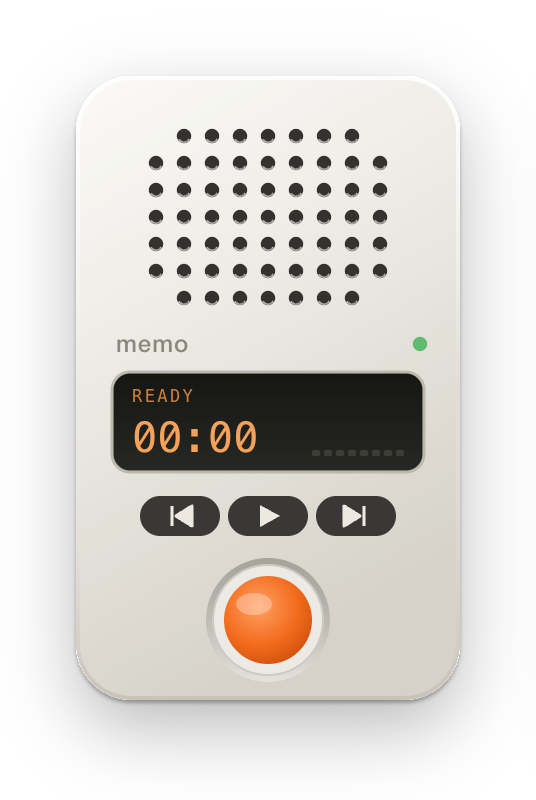
Voice memoRecord voice notes; they go out as files
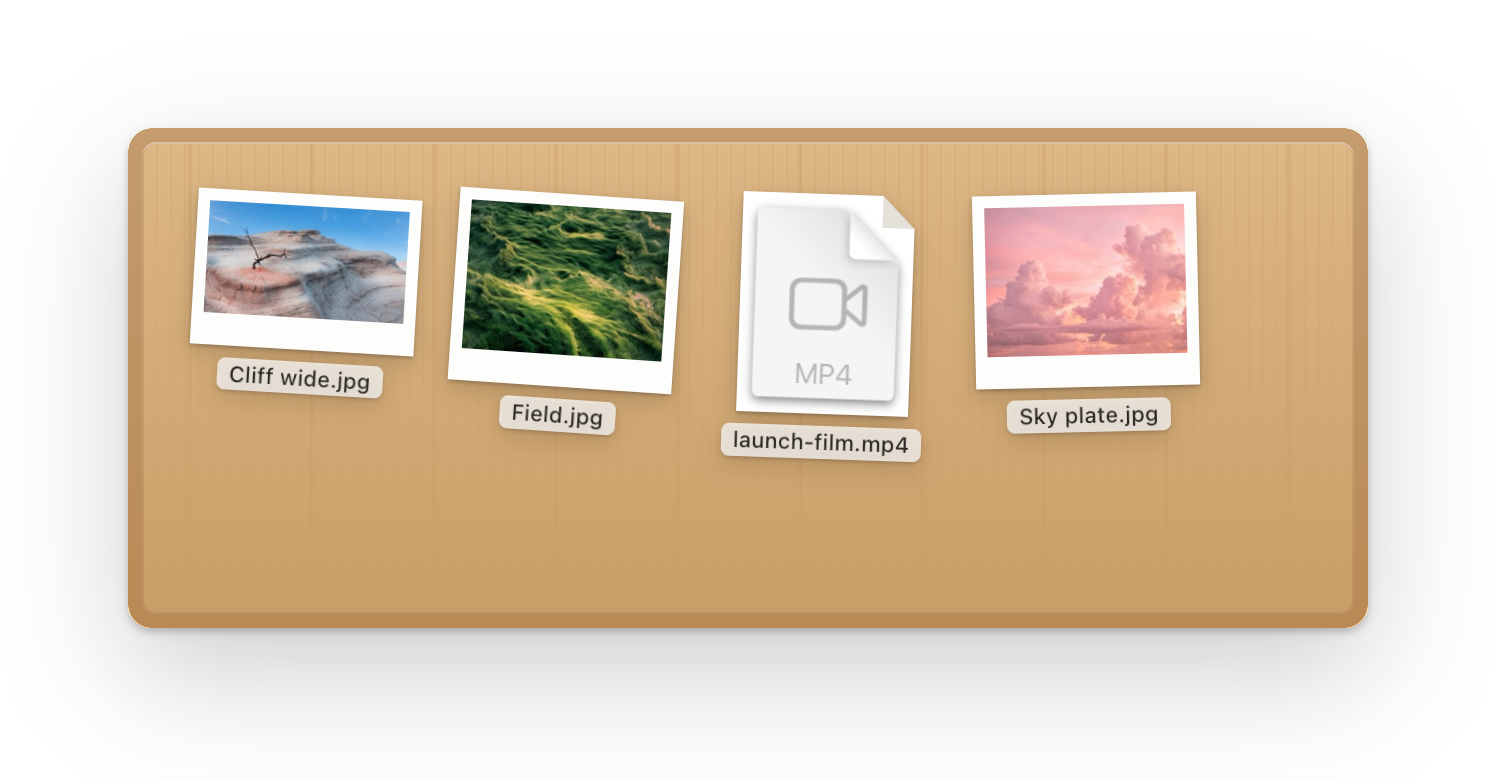
FolderShare a folder from your computer
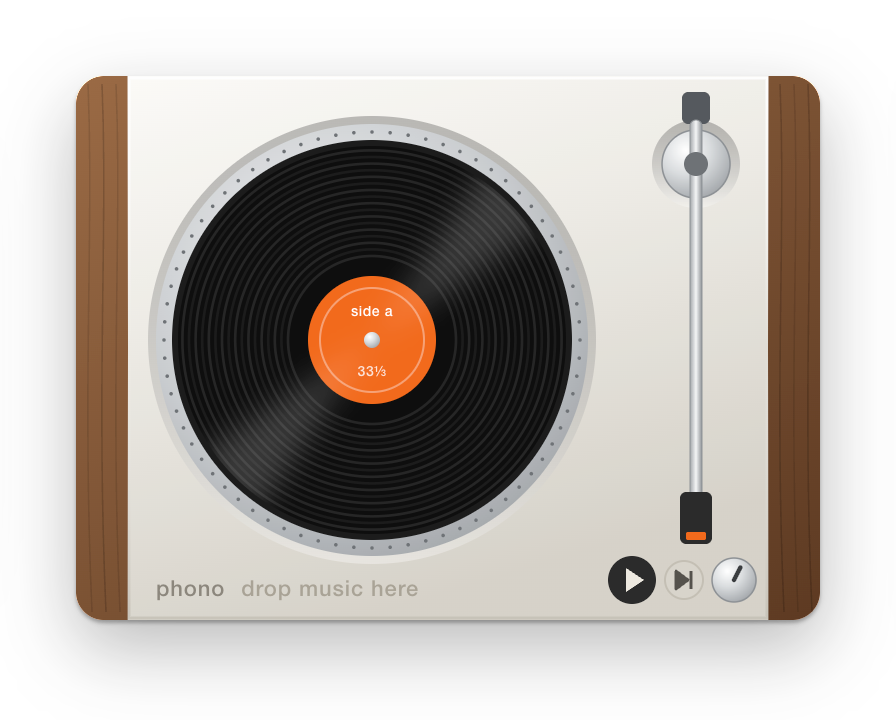
Record playerBackground music for everyone in the room
DoorA room of its own behind it
DeskA table in the middle: put files on it for everyone
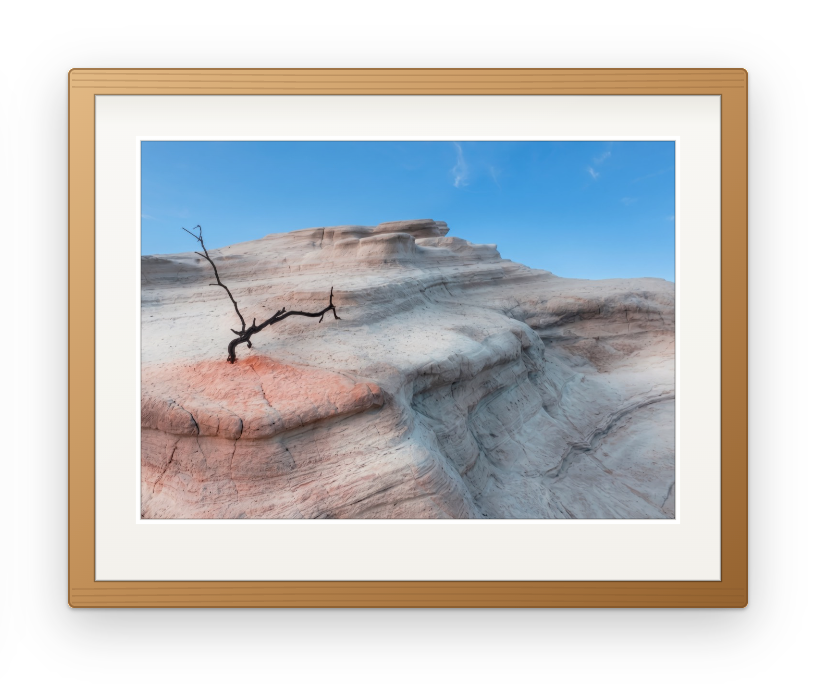
Photo framePictures from you or connected nodes
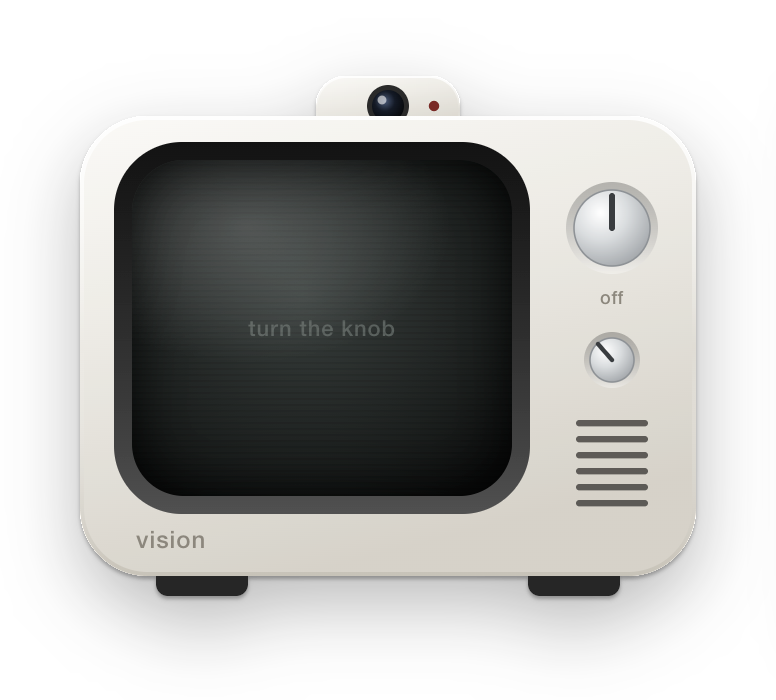
CameraYou, live, on a little TV
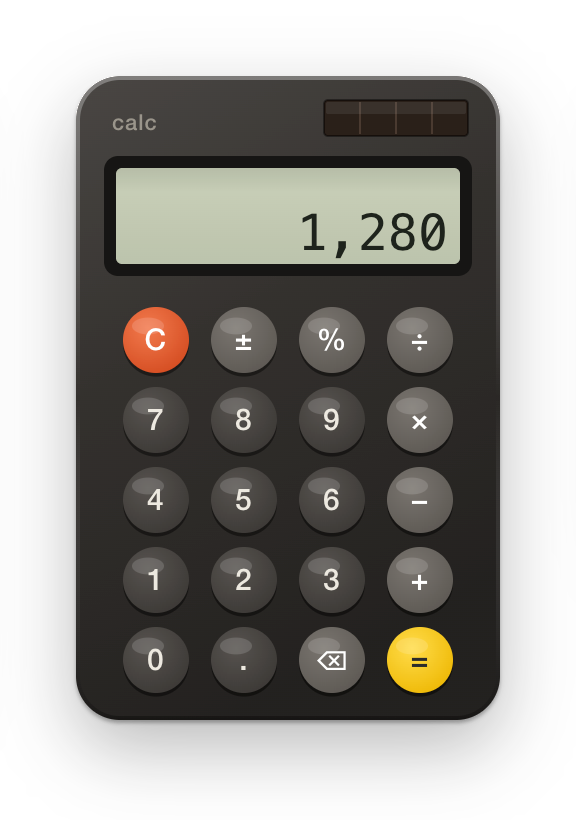
CalculatorNumbers everyone sees
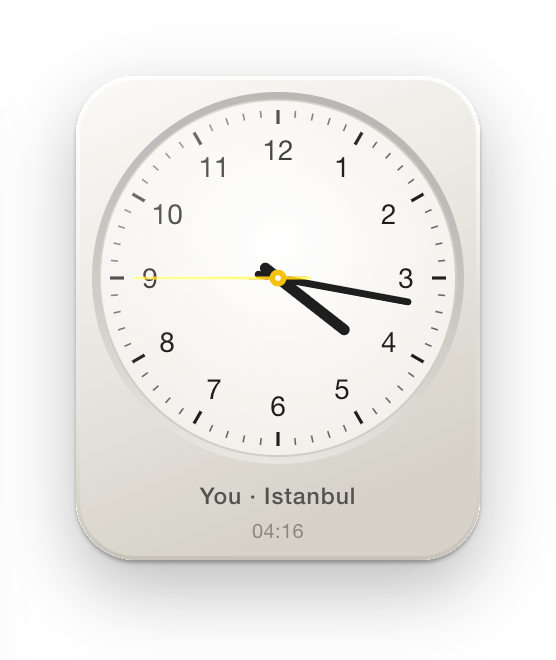
Desk clockYour local time, for a team across time zones
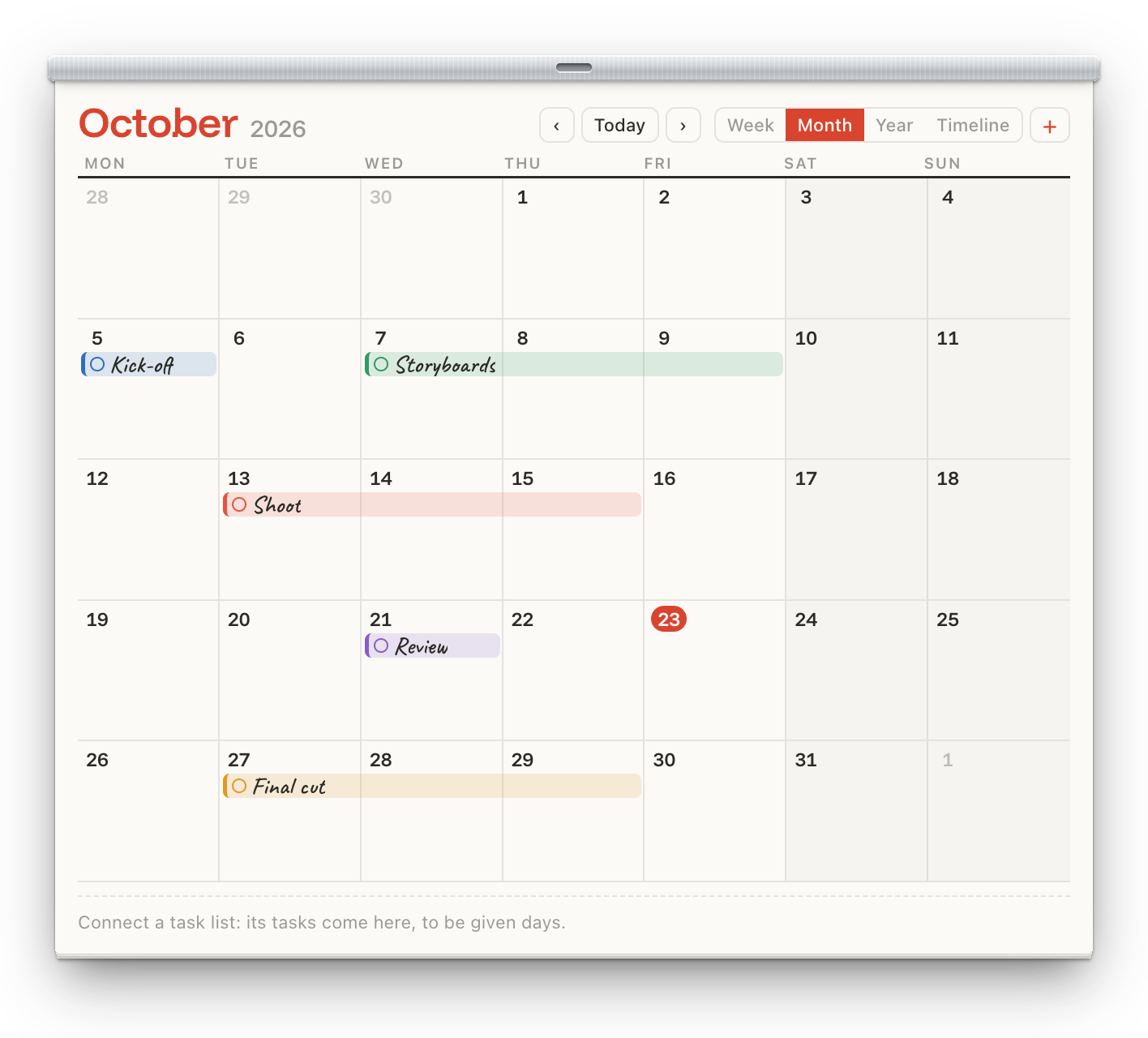
Wall calendarThe team's plans; dated tasks show up on it
TeleportTwo pads: jump across the board, and send files over
Mosaic Pro
Bring your own AI to the table.
Invite an agent to the board and ask it in the chat. It reads the board, writes sticky notes, opens pages, arranges and connects nodes, all with your own key.
Your key, your bill. Claude, OpenAI or Gemini, called straight from your computer. Nothing goes through Mosaic.
More tools with MCP. Connect GitHub, Linear, Notion or your files; it asks before every use.
Clear limits. It never sees private pages, never clicks inside a page and never deletes anything.
ChatLaunch week
M
Maya10:42
@Claude turn the launch brief into a checklist on a sticky note
Claude10:42
Done: a sticky note with five steps is next to the brief. QA on Thursday is the tightest one.
read_file · Launch brief
write_note
J
Jonas10:43
Perfect, I'll move it onto the roadmap.
Message the board, or ask @Claude
Mosaic Server · Pro
Your team's boards, on your own server or NAS.
A Mosaic that never goes home: it keeps every board and every file put on it, backs each board up every day, and your team connects straight to it. No cloud of ours in between.
$ curl -fsSL https://www.mosaicanvas.com/install/server.sh | sh
Boards of your ownThe ones you make, and the ones you manage as a partner. Boards shared with you as a member don’t count.
3
As many as you like
People on a boardOn the boards you make, whatever plan those who come have. More than 15? Mosaic Enterprise.
3
15
On any board, yours or someone else’s
Rooms you openMeeting room, phone booth, cinema, library, archive, focus room, workshop, guest room: all kinds on every plan.
2
As many as you like
Your desktop apps, livemacOS and Windows.
1 window
As many as you like
Folders you share
3
As many as you like
Collaborative foldersA folder others add files to, straight into yours.
—
Web apps and pages, live
Private pagesThey never leave your screen: others see that one is there, not what’s in it.
The desk: sticky notes, tasks, timers, the record player and more
Files
Files you sendStraight from one computer to another.
Up to 2 GB each
Any size
Films in their original quality, in the cinema
An archive that keeps files for everyone
Together
Voice, cameras with effects, and chat
Roles and room linksPartner, member, observer; a link that opens in a room.
Using someone's page or appWith its owner's yes, for as long as they choose, mouse and keyboard.
Say yes
Ask, and say yes
Meetings from the site, and into any calendar
Guests in a browser, nothing to install
The local network, without the internet
Only in Pro
AI agents with your own key, and MCP
—
Mosaic ServerYour office server or NAS keeps the team’s boards and every file on them, always on.
—
The license
Price
$0
$49, one payment
Whose it isA Pro member on a Free person’s board has none of Free’s limits there. Every Mosaic checks the others’ Pro itself.
Yours
Yours, on any board you’re on
Updates
Included, for good
Computers
Any
2 per key
Privacy and files are never paid features. Private pages, shared folders, voice and chat are in every plan.
Prices in US dollars; tax is added at checkout where it applies. Payment is handled by Polar, our merchant of record. Changed your mind? Full refund within 14 days.
Download
Take a seat.
Mosaic is a desktop app for macOS and Windows; on Linux and NAS's, Mosaic Server. Mosaic Bridge, its Chrome extension, lets pages open in your own Chrome, with your extensions and logins.